
Reviewed: 14 July 2026 by Michael Ganicz
A 1TB capacity does not determine the recovery time by itself. A healthy 1TB drive with a simple logical problem can be faster to process than a smaller drive with weak heads, bad sectors or platter damage. The main factors are failure type, read stability, encryption, donor-part availability and how much data must be verified.
The stages of a recovery case
- Intake and assessment: identify the device, symptoms, previous attempts and priority files.
- Stabilisation: address power, electronics, firmware or mechanical issues before extensive reading.
- Imaging: copy readable sectors to controlled destination storage while managing errors.
- Logical reconstruction: rebuild partitions, file systems, folders or individual files from the image.
- Verification: check priority files and prepare return media.
Why some cases take days and others take weeks
| Case factor | Effect on time |
|---|---|
| Stable logical damage | Imaging and reconstruction may proceed without donor work |
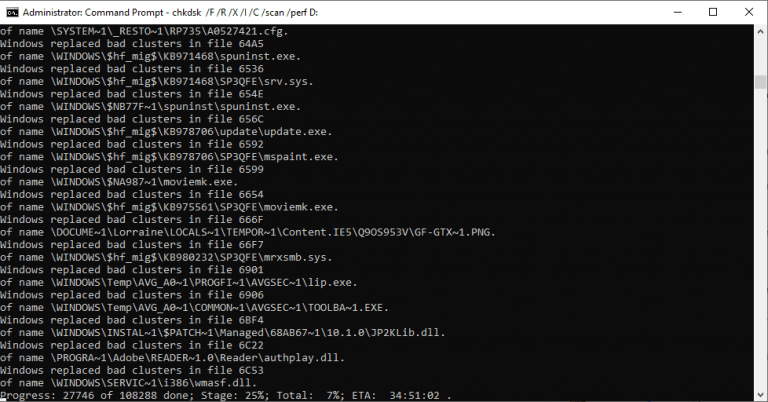
| Many bad sectors or slow reads | Controlled imaging can require repeated passes and long waits |
| Clicking or damaged heads | Diagnosis, donor matching and internal work add time |
| Uncommon donor requirements | Sourcing compatible components may be the longest delay |
| Large RAID or NAS | Every member must be imaged and the configuration reconstructed |
| Encryption | Correct keys, passwords or original hardware may be required before files can be verified |
Can urgent service make it instant?
Priority work can reduce queue time when offered, but it cannot make unstable media read faster or remove the need for compatible parts. A rushed process that skips imaging or verification can increase risk.
How to avoid unnecessary delays
- Stop powering a failing drive before the condition worsens.
- Provide the exact model, capacity and symptoms.
- Tell the lab which folders or files matter most.
- Include every RAID member and record the original order.
- Keep passwords or recovery keys available, but supply them only through the agreed secure method.
- Respond promptly to the written quote and parts approval.
Frequently asked questions
Does a larger drive always take longer?
Not always. Capacity affects the amount to image, but read speed and error rate are often more important.
Can you quote a finish date before assessment?
A responsible estimate normally follows diagnosis because the same symptom can have several underlying causes.
Why does donor sourcing take time?
Mechanical and electronic compatibility can depend on model family, revision, firmware, manufacturing details and adaptive data rather than capacity alone.
Need the files rather than the drive repaired?
Stop using the affected storage and describe the symptoms before trying repair software or repeated power cycles. Data Recovery Lab NZ accepts tracked mail-in cases from throughout New Zealand.