
Microsoft Surface Data Recovery
Model-specific Microsoft Surface recovery for removable SSDs, board-integrated storage, liquid damage, no-power faults and BitLocker.
Model-specific recovery for Microsoft Surface devices with failed removable SSDs, board-integrated storage, liquid damage, no-power faults, physical damage or BitLocker encryption.
Surface storage is not the same in every model
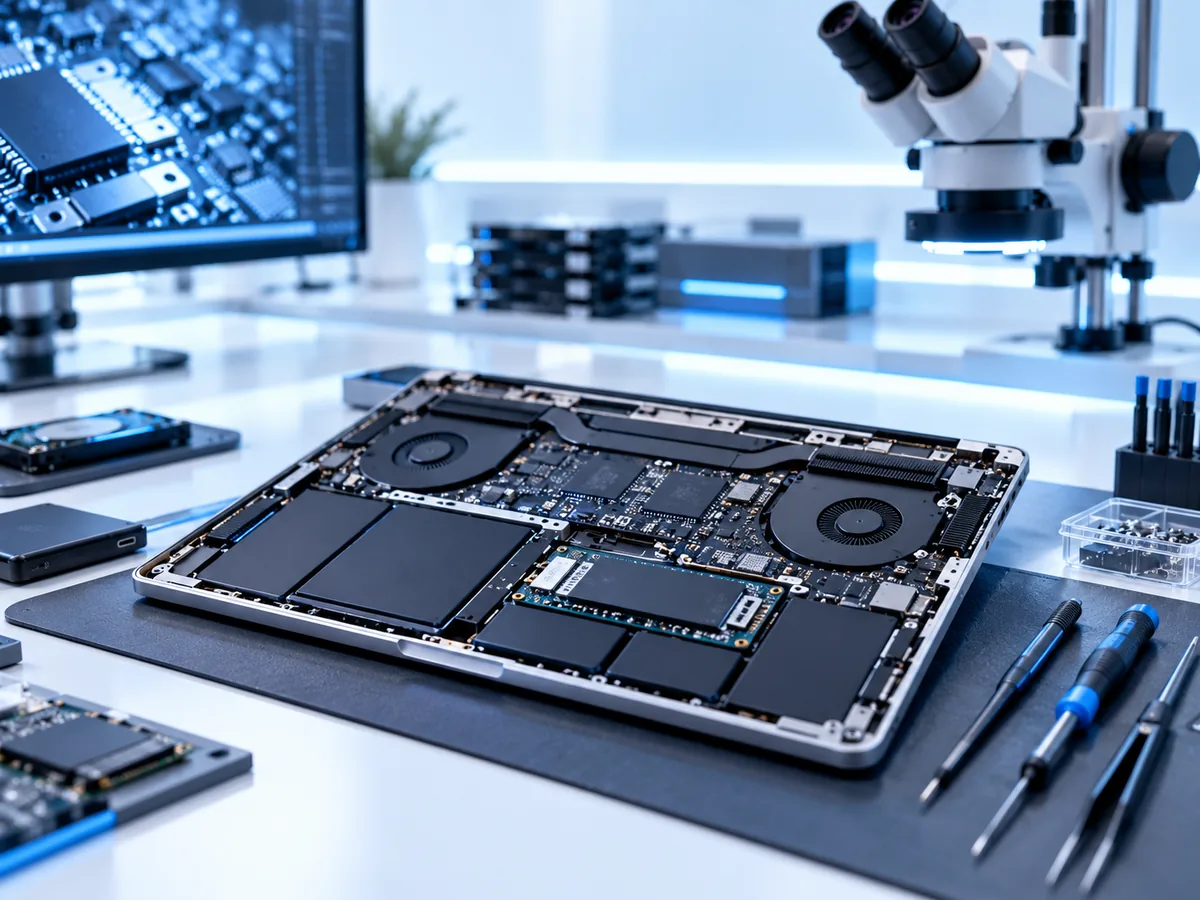
Some earlier Surface models use storage integrated with the main board. Surface Pro 7+ and several later Surface Pro generations, as well as Surface Pro X, use a removable solid-state drive. Other Surface products and configurations differ. We identify the exact model and storage architecture before recommending a recovery method.
Do not rely on a blanket statement that every Surface has soldered storage or that every Surface SSD is removable.
What to do now
- Do not reset Windows, reinstall the operating system or initialise a removed SSD.
- Stop charging a liquid-damaged or unusually hot device.
- Keep the original SSD, main board and any components removed during repair together.
- Locate the BitLocker recovery key if the device was linked to a Microsoft work, school or personal account.
Recovery paths by storage type
Removable SSD
Where the model uses a removable module, the SSD can be assessed independently for electrical, controller, firmware, NAND or logical faults, subject to encryption.
Board-integrated storage
When encrypted storage is integrated with the board, data-focused board repair may be needed to restore temporary operation to the original device.
Healthy storage, failed system
A screen, power, connector or board fault may prevent normal access even when the storage itself remains readable.
BitLocker matters
Many Surface devices use BitLocker or device encryption. A readable SSD may still contain encrypted data that requires the correct recovery key or viable original security state. We do not bypass encryption; we work with keys and credentials supplied by the authorised owner.
Assessment process
- Confirm the exact model, serial information, symptoms and repair history.
- Determine whether the SSD is removable or board-integrated.
- Check BitLocker status and whether a recovery key is available.
- Diagnose the SSD or original board without resetting the device.
- Provide a written quote for imaging, electrical work, board repair or file-system recovery.
- Extract approved data to separate storage where technically possible.
Frequently asked questions
Can I remove the SSD myself?
On supported models it is physically removable, but damage, electrostatic discharge and encryption complications are possible. Follow Microsoft service guidance or let a technician handle it when the data is critical.
Where is my BitLocker key?
It may be stored in the Microsoft account associated with the device, an organisation’s Entra ID or Active Directory, a printout, USB key or another administrator-managed location.
Can data be recovered after a Surface reset?
A completed reset can remove encryption keys and overwrite data. Stop using the device and check OneDrive or other backups first.
Start a Microsoft Surface recovery case
Tell us what happened, what device you have and which files matter most. We will provide packing instructions for a tracked mail-in case or arrange a Timaru drop-off.
Submitting an enquiry does not authorise paid recovery work. Any applicable assessment, parts, media, courier or recovery charges are explained before you approve them.