★★★★★
“Was in a rare case of losing precious data due to the way I handled my original Synology NAS drives.”

QNAP NAS and RAID recovery after disk failure, missing members, failed rebuilds, reconfiguration and QTS ext4 or QuTS hero ZFS damage.
Recovery assessment for QNAP NAS systems after disk failure, degraded arrays, missing members, failed rebuilds, accidental reconfiguration, file-system damage or inaccessible shares.
Do not initialise the NAS, create a new storage pool, force a rebuild, replace multiple drives at once, change the disk order or allow automatic repair when the only copy of important data is at risk. Shut the system down if disks are dropping out, clicking or producing read errors.
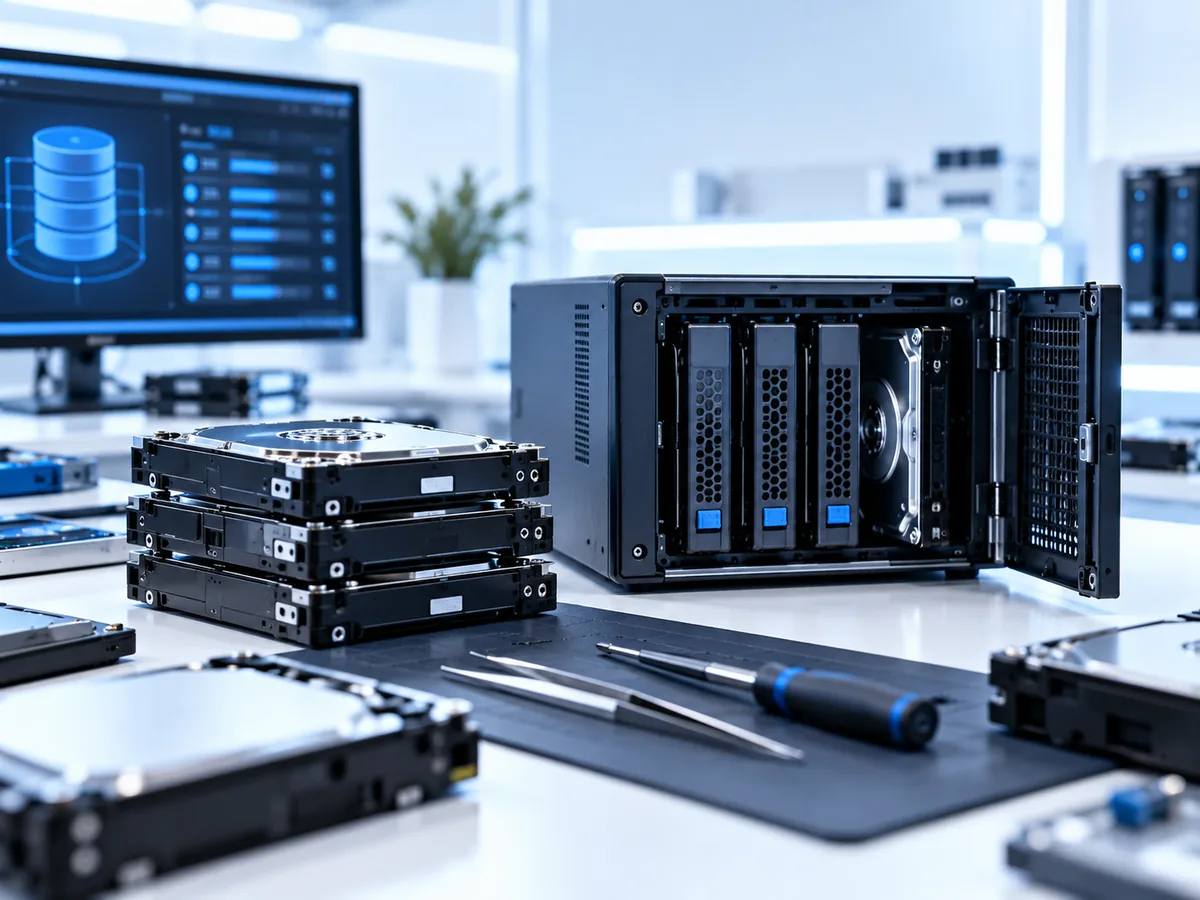
QNAP QTS systems commonly use Linux software RAID with ext4, while QuTS hero systems use ZFS. We assess RAID 0, 1, 5, 6, 10 and selected nested or enterprise layouts, as well as JBOD, single-disk volumes, iSCSI LUNs, snapshots, thin or thick volumes and SSD-cache complications where supported.
Synology Hybrid RAID (SHR) is a Synology technology and is not described as a QNAP RAID mode. Correctly identifying the operating system, pool type, RAID metadata and volume layout is essential.
Keep every original disk, including failed members and any disk removed earlier. Label the bay position before moving drives. Do not write to the disks individually. Record the QNAP model, firmware or QTS/QuTS hero version if known, number of bays, drive order, RAID level, pool/volume configuration, encryption status and exact sequence of events.
Encrypted volumes or folders require the relevant password, key file or viable original configuration. We ask only whether credentials are available at enquiry stage and arrange their secure transfer if needed after acceptance.
Multi-drive recoveries are quoted after the configuration and condition of every member are understood. Donor parts, additional imaging storage, return media and urgent work can add cost. See pricing and fees for the general policy.
Only when you have a verified independent backup and understand the state of every remaining member. A rebuild stresses all disks and can make an already unstable array worse.
Often the disks and configuration history are most important, but the enclosure, power supply and DOM may help in some cases. Ask before shipping.
Potentially, depending on what was recreated or overwritten afterward. Stop using the system immediately.
Tell us what happened, what device you have and which files matter most. We will provide packing instructions for a tracked mail-in case or arrange a Timaru drop-off.
Submitting an enquiry does not authorise paid recovery work. Any applicable assessment, parts, media, courier or recovery charges are explained before you approve them.
A customer account involving Synology NAS storage.
Selected Google review excerpts supplied in October 2026; links open the reviewers' public profiles. Individual recovery results vary.
“Was in a rare case of losing precious data due to the way I handled my original Synology NAS drives.”