
Apple Time Machine Data Recovery
Recovery from damaged, unreadable and corrupted Apple Time Machine backup disks, sparsebundles and backup volumes. Timaru lab with nationwide mail-in service.
Recovery assessment for unreadable Time Machine disks, damaged external drives, corrupted backup volumes, inaccessible sparsebundles and backups affected by accidental deletion or failed repair.
Protect the only backup
Do not let Disk Utility erase or repeatedly repair the drive, and do not create a new Time Machine backup on the same device. If the disk clicks, disconnects, becomes slow or reports I/O errors, stop powering it.
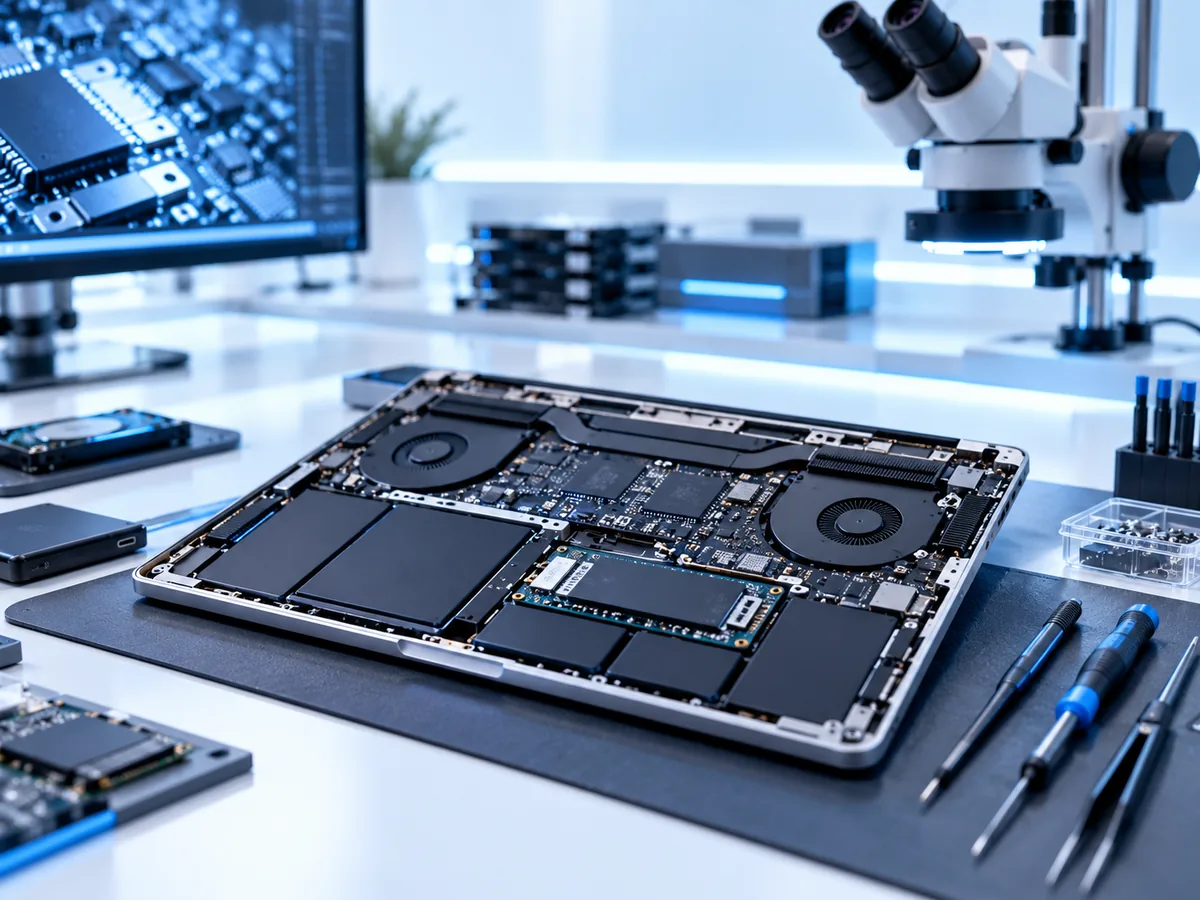
Two layers may need recovery
A Time Machine case can involve physical or electronic failure of the underlying disk and logical damage to APFS, HFS+, a sparsebundle or the backup structure. The safest approach is normally to stabilise and image the source first, then work on a copy.
Cases we assess
- USB hard drives that click, beep, disconnect or are not detected.
- APFS or HFS+ backup volumes that will not mount.
- Network Time Machine sparsebundles stored on a NAS.
- Backups damaged after an interrupted update, power loss or file-system repair.
- Accidental formatting or repartitioning.
- Older snapshots or files missing from an otherwise accessible backup.
Recovery process
- Identify the physical storage and Time Machine format.
- Image unstable storage using controlled methods.
- Reconstruct the partition and file-system layers where possible.
- Inspect snapshots, backup folders or sparsebundle bands.
- Extract the priority Mac user folders or individual files to separate media.
What to send
Send the backup disk and its original power supply where applicable. For a NAS-hosted sparsebundle, contact us before sending equipment; configuration details and all member disks may be relevant. Tell us which Mac, dates, user accounts and folders matter most.
Frequently asked questions
Can the whole Time Machine history be restored?
Sometimes, but a damaged backup may yield only selected snapshots or files. Priority data should be identified before work starts.
Can I run First Aid first?
Not when this is the only copy and the disk may be unstable. File-system repair writes changes and can make later reconstruction harder.
Can you recover a backup from a failed NAS?
Potentially. The NAS RAID and file-system layers may need reconstruction before the Time Machine sparsebundle can be examined.
Start a Time Machine recovery case
Tell us what happened, what device you have and which files matter most. We will provide packing instructions for a tracked mail-in case or arrange a Timaru drop-off.
Submitting an enquiry does not authorise paid recovery work. Any applicable assessment, parts, media, courier or recovery charges are explained before you approve them.