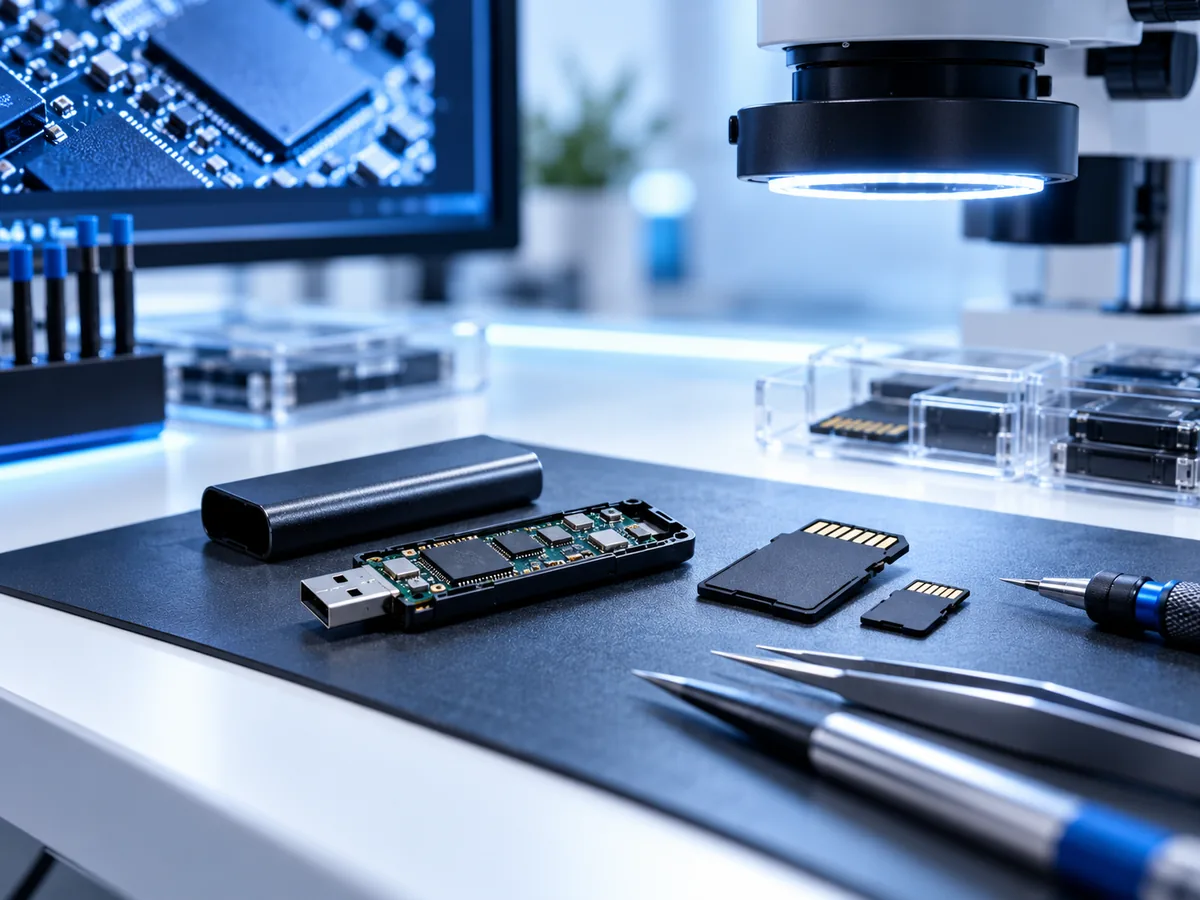
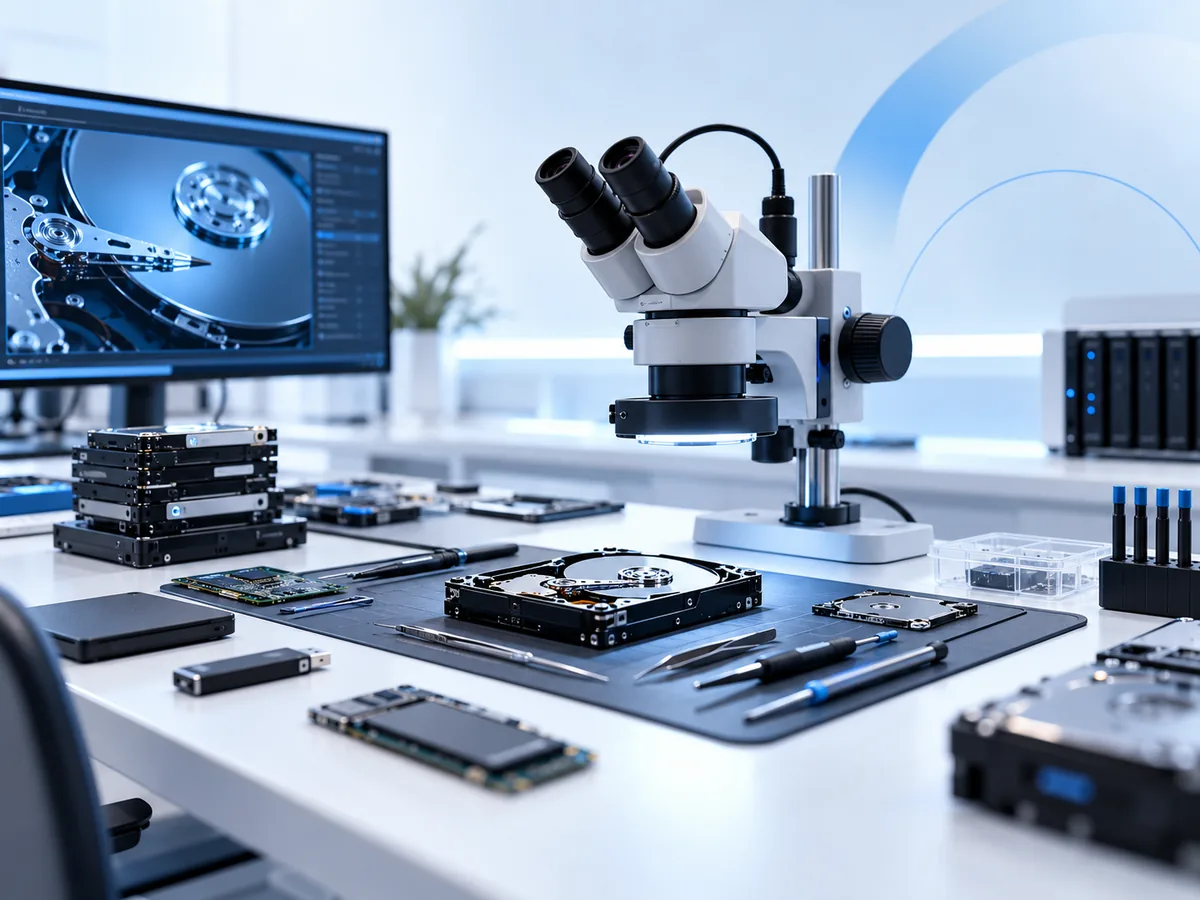
Professional data recovery for failed hard drives, SSDs, RAID and NAS systems, Macs, Microsoft Surface devices, iPhones, iPads and USB media.
Data Recovery Lab NZ provides specialist data recovery for customers throughout New Zealand. Recovery work is handled through our Timaru lab, with local drop-off by arrangement and a tracked nationwide mail-in service.
Whether your device is clicking, beeping, no longer detected, physically damaged, liquid-damaged, accidentally formatted or simply will not start, the first priority is to avoid making the problem worse.
You receive an assessment and information about the proposed recovery path before paid recovery work proceeds.
Stop Using a Failing Device
If important data exists only on the affected device, continuing to test it can reduce the chance of a successful recovery.
Stop and disconnect the device if it:
- clicks, beeps, buzzes or makes a new mechanical noise
- was dropped, knocked or physically damaged
- has suffered liquid damage
- repeatedly connects and disconnects
- has become extremely slow
- reports read or I/O errors
- is no longer detected correctly
- asks to be initialised or formatted unexpectedly
- contains a degraded or failed RAID array
- will no longer boot but contains irreplaceable files
Avoid repeatedly powering a damaged device, running CHKDSK, using Disk Utility First Aid on unstable storage, rebuilding a failed RAID without first documenting it, restoring an iPhone, formatting an unknown disk or installing recovery software onto the affected storage.
If you are unsure what is safe to try, contact us before continuing.
Data Recovery Services in New Zealand
Different storage technologies fail in very different ways. A mechanically damaged hard drive requires a different approach from a failed SSD, an encrypted iPhone or a multi-disk RAID system.
Select the type of device below for more specific recovery information.
Hard Drive Data Recovery
Recovery from internal and external HDDs with mechanical, firmware, electronic, media or logical faults. Common cases include clicking or beeping drives, dropped hard drives, bad sectors, extremely slow drives, inaccessible external drives and disks that are no longer detected correctly.
SATA SSD Data Recovery
Assessment and recovery of failed 2.5-inch SATA, mSATA and M.2 SATA solid-state drives. SSD failures can involve controllers, firmware, electronics, NAND flash, damaged connectors, file-system corruption and other faults that differ significantly from traditional hard drives.
NVMe SSD Data Recovery
Recovery assessment for failed or inaccessible PCIe and NVMe SSDs, including drives that disappear from the system, fail to initialise or contain controller, firmware, NAND or electrical faults.
Encryption and TRIM can affect what remains recoverable, particularly after deletion or formatting.
RAID and NAS Data Recovery
Recovery from multi-drive storage systems after disk failure, missing RAID members, unsuccessful rebuilds, configuration changes, file-system damage and other RAID or NAS failures.
If a RAID or NAS volume has failed, avoid repeatedly rebuilding, initialising or changing the disk order until the original configuration has been documented.
QNAP NAS and RAID Data Recovery →
MacBook and Mac Data Recovery
Data-focused recovery for failed Macs and MacBooks, including removable storage, board-integrated storage, liquid damage, no-power conditions, logic-board faults and encrypted systems.
On modern Apple hardware, access to the original data can depend on the condition of the original logic board, storage and encryption state.
Microsoft Surface Data Recovery
Recovery for Microsoft Surface devices with removable SSDs or board-integrated storage, including no-power faults, liquid damage, damaged hardware and BitLocker-protected storage.
The correct recovery path depends on the exact Surface model and its storage architecture.
Microsoft Surface Data Recovery NZ →
iPhone Data Recovery
Data-focused assessment for iPhones that will not boot, have suffered liquid or physical damage, restart unexpectedly or cannot provide normal access to important photos, messages and other data.
Modern iPhone storage is encrypted. Recovery therefore depends on retaining or restoring sufficient operation of the original hardware and having the required passcode or credentials where applicable.
iPad Data Recovery
Assessment of dead, damaged, liquid-affected and inaccessible iPads where the priority is recovering data from the original encrypted device rather than simply replacing it.
USB Flash Drive Data Recovery
Recovery from USB flash drives with broken connectors, failed electronics, damaged NAND memory, controller faults and corrupted file systems.
If a USB device is physically damaged or becomes unusually hot, disconnect it rather than repeatedly attempting to read it.
Data Recovery Across New Zealand
Data Recovery Lab NZ serves customers throughout New Zealand from our specialist lab in Timaru.
If you are searching for data recovery in Auckland, Wellington, Christchurch, Hamilton or elsewhere in New Zealand, you do not need to travel to Timaru. Failed devices can be sent using our tracked nationwide mail-in process.
We do not claim staffed branches in Auckland, Wellington, Hamilton or Christchurch. Devices sent from those regions are assessed and recovered through the Timaru lab.
For many data-recovery cases this works well because the affected hard drive, SSD, phone, tablet or storage device is what needs to reach the lab — not the customer.
Nationwide mail-in recovery
Start the case online first. We can confirm what needs to be sent and provide guidance for packing the device safely.
Use sturdy packaging, protect storage from movement and use a tracked courier service. Hard drives should be protected especially carefully against further shock during transport.
See nationwide mail-in instructions →
Local data recovery in Timaru
Customers in South Canterbury can arrange a local drop-off at:
Data Recovery Lab NZ
2/27 Nile Street
Highfield
Timaru 7910
New Zealand
Drop-off should be arranged before arriving so the device can be received correctly.
Common Data Recovery Problems
My hard drive is clicking or beeping
A clicking or beeping hard drive may have a mechanical, firmware, media, electrical or power-related problem. Repeatedly turning it on to see whether it starts working can create additional damage.
If the data is important, disconnect it and see our hard drive data recovery service.
My drive is not showing up
A storage device that no longer appears normally may have an interface, electronics, firmware, controller, mechanical or file-system fault.
Do not initialise or format an unknown disk simply because Windows or macOS offers to do so.
My external hard drive stopped working
An external hard drive can fail because of the USB cable, connector, enclosure electronics, bridge board or the hard drive itself. Some external drives also use hardware-specific USB electronics or encryption, so removing the disk from its original enclosure is not always a harmless troubleshooting step.
See external and hard drive recovery for more information.
My SSD is no longer detected
SSDs can fail without the clicking or warning sounds associated with mechanical hard drives. Controller, firmware, NAND and electrical problems can make a drive disappear completely or become intermittently accessible.
See our SATA SSD and NVMe SSD recovery information.
I accidentally deleted or formatted my data
Stop writing new data to the affected storage. Continued use can overwrite areas containing deleted information.
Do not install recovery software onto the same drive you are trying to recover. If the storage is physically healthy, logical recovery may be possible, but the result depends on the file system, storage technology and what has happened since the deletion or format.
My RAID or NAS has failed
Do not assume a rebuild is always the safest first step. A RAID rebuild writes across the array and can make a recoverable situation more difficult if the wrong disk is used, another member has unreadable sectors or the original configuration has been misunderstood.
Record the drive order, device model and symptoms, then see our NAS and RAID recovery information.
My Mac, Surface, iPhone or iPad will not turn on
A device that no longer boots does not necessarily mean its data is gone. However, modern computers and mobile devices increasingly combine storage with hardware-backed encryption.
The recovery objective may therefore be to restore enough operation to the original hardware to access the encrypted data rather than simply removing the memory and reading it elsewhere.
How the Data Recovery Process Works
-
Tell us what happened.
Describe the device, symptoms, what happened before the failure, any repair or recovery attempts already made, and which files are most important. -
Send or drop off the device.
Timaru customers can arrange a local drop-off. Customers elsewhere in New Zealand can use the nationwide tracked mail-in service. -
Assessment.
We assess the storage or device to determine the likely type of failure and an appropriate recovery path. -
Recovery information and quote.
Where applicable, we explain expected charges, limitations, donor-part requirements and relevant risks before paid recovery work begins. -
You decide.
Recovery work requiring approval proceeds only after you accept the proposed work and applicable charges. -
Recovery and verification.
Depending on the device, this can involve controlled imaging, temporary hardware stabilisation, data-focused board work, file-system reconstruction or extraction of accessible files. -
Recovered data is returned.
Recovered files are supplied using agreed destination media or another agreed method.
Every recovery is dependent on the condition of the original device. No responsible data-recovery provider can guarantee that every device or every file will remain recoverable.
How Much Does Data Recovery Cost in New Zealand?
Data recovery cost depends more on the type of failure and work required than simply on the amount of data stored.
A healthy device with a logical file-system problem can require very different work from a mechanically failed hard drive, damaged SSD, liquid-damaged phone or multi-drive RAID system.
Factors that can affect cost include:
- the type of storage device
- whether the problem is logical, electronic, firmware-related or physical
- the condition of the original storage media
- encryption
- drive capacity and imaging time
- whether donor components or parts are required
- previous repair or recovery attempts
- destination media
- courier costs
- urgent service where available
See our Data Recovery Pricing and Fees page for current indicative charges, assessment information and conditions.
You will be told about applicable charges before you approve paid recovery work.
Why Specialist Data Recovery Is Different From Computer Repair
The objective of ordinary computer repair is normally to make the computer or device usable again. Data recovery has a different priority: protecting access to the original data.
A repair step that makes sense when the files are backed up can be inappropriate when the failed device contains the only copy.
Examples include:
- reinstalling an operating system
- resetting or restoring a phone
- initialising or formatting storage
- allowing automated repair utilities to modify a damaged file system
- rebuilding a RAID before documenting the original configuration
- replacing an encrypted device’s original logic board
- repeatedly attempting to boot unstable storage
When irreplaceable data is involved, preservation comes before getting the original device back into everyday service.
Direct Access to the Specialist Handling Your Case
Data Recovery Lab NZ is operated from Timaru by Michael Ganicz. Cases are handled with a focus on diagnosis, clear communication and explaining the practical limitations of the recovery before unnecessary work is undertaken.
The technical information on this site is intended to help customers understand what can go wrong with storage and why some seemingly harmless troubleshooting steps can affect recoverability.
Where a recovery is unlikely to be practical, where encryption prevents access or where a proposed approach carries significant limitations, those issues should be discussed rather than hidden behind a guarantee that cannot realistically be made.
Data Security and Confidentiality
Devices submitted for recovery can contain personal photographs, business records, customer information, documents, email, financial information and other sensitive data.
Access to a device should be limited to what is necessary for assessment and recovery. Credentials are requested only where they are relevant to accessing encrypted data or validating recovered information.
Do not send passwords or recovery keys through a public enquiry form unless specifically instructed to do so.
Read our Data Security and Confidentiality information for more detail about case handling, access and retention.
Data Recovery FAQs
Do you provide data recovery throughout New Zealand?
Yes. Recovery work is carried out through our Timaru lab. Customers elsewhere in New Zealand can send devices using our tracked mail-in process. Auckland, Wellington, Hamilton, Christchurch and other regions are serviced this way rather than through staffed local branches.
Where is your data recovery lab?
Data Recovery Lab NZ is based at 2/27 Nile Street, Highfield, Timaru 7910. Local drop-off is available by arrangement.
Can I send a drive from Auckland?
Yes. Customers in Auckland and elsewhere in the North Island can start a case online and courier the device to the Timaru lab. See the mail-in instructions before sending it.
Can I send a device from Wellington, Hamilton or Christchurch?
Yes. The nationwide mail-in service covers customers throughout New Zealand. Recovery work is performed in Timaru; we do not claim staffed branches in those cities.
How much does data recovery cost?
Cost varies with the device and failure. Logical recovery, damaged hard drives, failed SSDs, RAID systems and encrypted mobile devices can require very different work. See the current pricing and fee information for details.
Can you guarantee my data will be recovered?
No. Recovery depends on what remains physically readable, the condition of critical components, encryption, previous attempts and whether data has been overwritten. Assessment provides a better understanding of the likely recovery path and limitations.
Should I try data recovery software first?
Recovery software can be appropriate for some logical problems on physically healthy storage. It is not appropriate for a drive that is clicking, beeping, repeatedly disconnecting, extremely slow, physically damaged or producing large numbers of read errors.
If the affected storage contains important data and you are unsure whether it is physically healthy, ask before running a full scan.
Should I run CHKDSK or Disk Utility First Aid?
Not on an unstable device containing important data. Repair utilities are designed to modify file-system structures. Those changes can be undesirable when the first objective should be preserving the current state and obtaining a controlled copy.
Can data be recovered after formatting?
Sometimes. The outcome depends on the storage technology, file system, type of format and how much new information has subsequently been written. Stop using the device to reduce further overwriting.
Can you recover a dead hard drive?
Some drives that no longer operate normally can be recovered, depending on the cause and physical condition of the media. A dead drive may have an electronics, firmware, mechanical or media fault. See Hard Drive Data Recovery NZ.
Can you recover data from a failed SSD?
Potentially. SSD recovery is highly dependent on the controller, NAND condition, firmware, encryption and whether TRIM has affected deleted data. See our SATA SSD and NVMe SSD services.
Can you recover data from a phone that will not turn on?
Sometimes. Modern phones use encrypted storage, so access commonly depends on the original device being able to reach a state where its encryption requirements can be satisfied. See iPhone Data Recovery or iPad Data Recovery.
Do you need my password?
Not for an initial enquiry. Some encrypted devices require a passcode, password or recovery key later. Supply credentials only when they are actually required and through the agreed method.
Do I need to send the whole computer?
It depends on the device. For a removable hard drive or SSD, the storage device alone may be sufficient. For some Macs, Microsoft Surface devices, iPhones, iPads and other systems with integrated or encrypted storage, the complete original device may be required.
Start the case first and we can tell you what should be sent.
Data Recovery Information and Technical Guides
Our Data Recovery Guides cover common failure symptoms, storage technologies and recovery considerations in more technical detail.
If you already know which type of device has failed, use the relevant service page above. If you are not sure what has happened, simply tell us the symptoms rather than attempting to diagnose the fault yourself.
Start a Data Recovery Case
Tell us what device has failed, what happened, what symptoms you are seeing and which files are most important.
Local customers can arrange a Timaru drop-off. Customers elsewhere in New Zealand can use our tracked nationwide mail-in service.
If the device is clicking, beeping, physically damaged, liquid-damaged, extremely slow or repeatedly disconnecting, leave it powered off while you arrange the next step.
Submitting an enquiry does not authorise paid recovery work. Applicable assessment, recovery, parts, destination media and courier charges are explained where relevant before you approve them.