
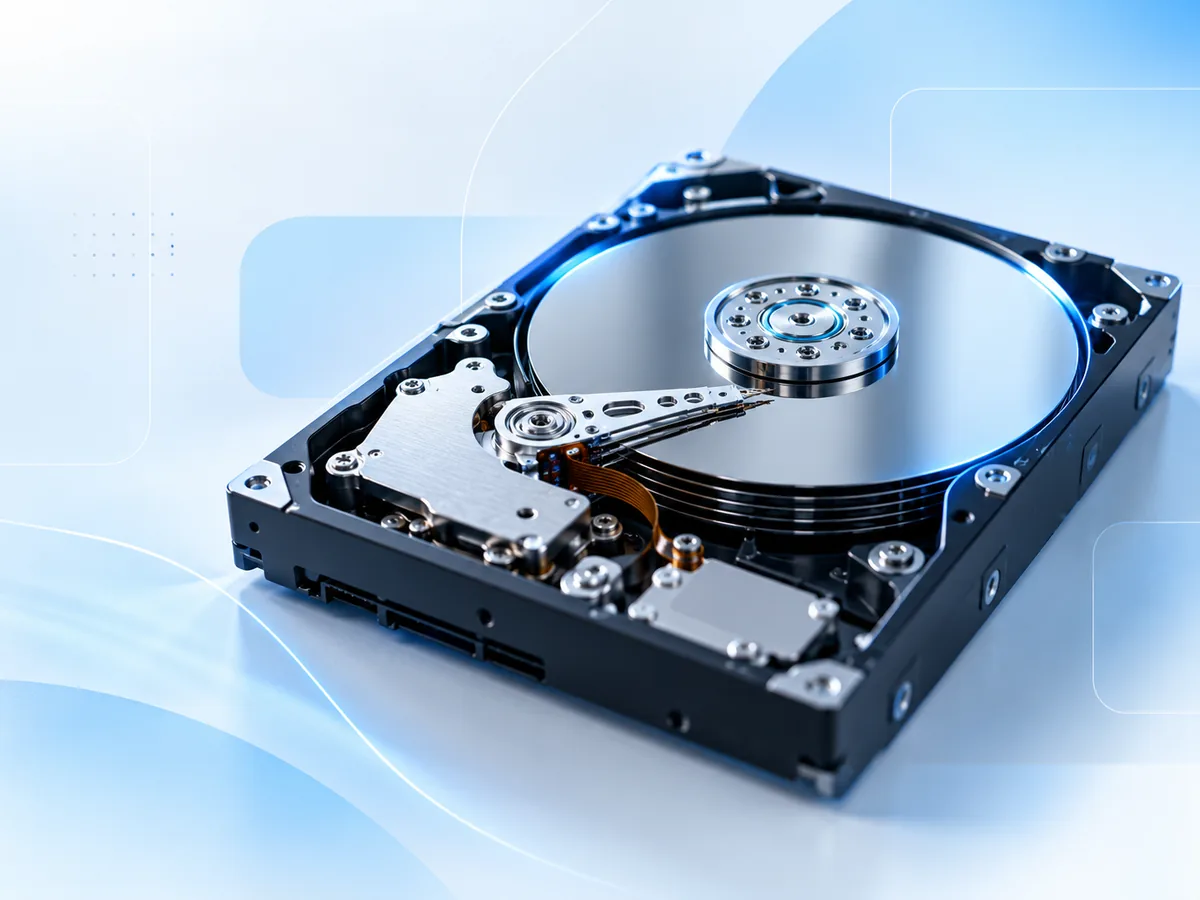
Symptoms help narrow an assessment, but they do not reliably identify a failed component on their own. A clicking sound, a missing drive or a format prompt can have more than one cause. The safest starting point is to preserve the original and describe what changed.
Common hard-drive symptoms
- Clicking or beeping: stop repeated power cycles. A noise is not enough to confirm a head fault, motor problem or USB power issue.
- Not detected or wrong capacity: the connection, electronics, firmware or media can be involved. Do not initialise or format the device to make it appear.
- Very slow reads or repeated disconnections: ordinary copying may repeatedly revisit difficult areas. An unstable drive needs a controlled imaging strategy.
- A format prompt or inaccessible folders: file-system or partition damage may be involved, but hardware health must not be assumed.
- Liquid, impact or electrical damage: record the event and avoid powering the affected device for another test.
Details that help an assessment
Provide the drive model, the device it came from, any noises or error messages already observed, and the last event before access was lost. Include previous repair or recovery attempts and the files that matter most. Do not enter passwords, passcodes or recovery keys in the public enquiry form.
A symptom guide is not a repair instruction
Firmware, electronics, mechanical faults and logical damage require different approaches. For example, a firmware access problem is not the same as ordinary file-system corruption. Diagnosis must not begin by writing changes to the only copy of valuable data.
Physical media damage, overwritten data and missing encryption credentials can limit or prevent recovery. The hard-drive recovery service explains assessment and controlled imaging, while pricing information explains the quotation process.
Need help with a real device?
If the storage is unstable, stop testing it. Describe the device and symptoms and we’ll explain the safest next step.
Start a recoveryRelated recovery guides
For service information and case assessment, see hard-drive data recovery.