
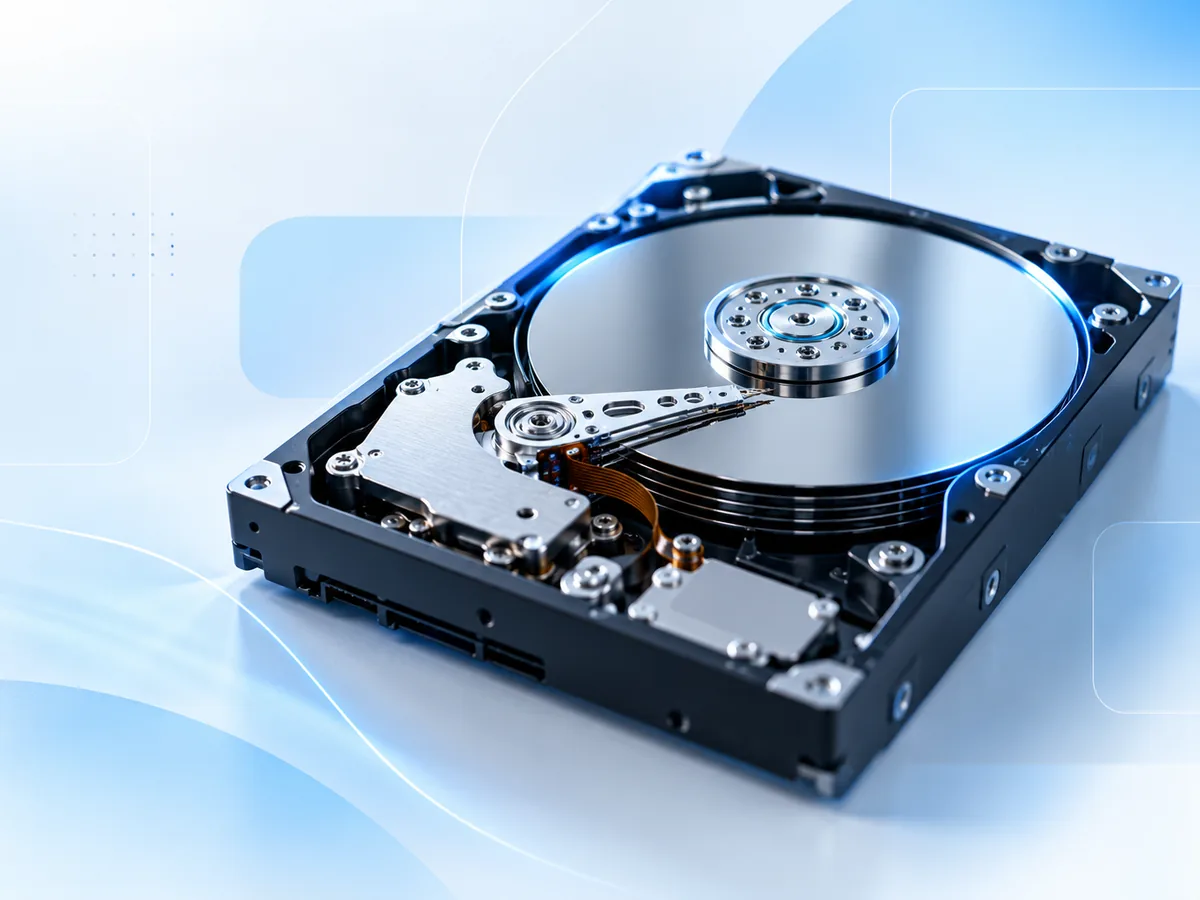
First distinguish a computer crash from a failing storage device. A computer that will not start does not by itself prove the hard drive has failed. Conversely, a drive that still appears in Windows or macOS may be unstable. When it holds the only copy of important files, avoid changing the original while the fault is unknown.
Stop actions that change the original
Do not format, initialise, repartition or reinstall an operating system onto the affected drive. Do not run CHKDSK repair options or Disk Utility First Aid against the failing original as a first recovery step. These tools are intended to repair file-system structures; they are not a substitute for preserving the data or assessing a hardware fault.
Repeatedly rebooting, reconnecting or scanning a clicking, very slow or disconnecting drive can put more stress on it. Disconnect it safely and record the symptoms already observed rather than performing more tests just to describe the problem.
Preserve a copy before recovery work
Where the device condition permits, a controlled image or clone provides a separate working copy. Recovery and file-system analysis can then be directed at that copy instead of repeatedly altering the source. Imaging an unstable device may itself require specialist equipment, timeouts and a planned read order; it is not always equivalent to an ordinary file copy.
When to ask for an assessment
Seek an assessment when the drive is noisy, has suffered impact or liquid damage, shows the wrong capacity, is not detected, or becomes progressively slower. A failed enclosure and an internal drive fault can look similar from the computer. The symptom guide explains why those observations are not a definitive diagnosis.
Recovery depends on the fault and on whether the required data remains intact and accessible. Formatting does not always make every file unrecoverable, but writing new data, secure erasure, encryption and storage-specific behaviour can reduce the options. No repair utility can guarantee recovery.
Information to send the lab
Tell us the model, symptoms, what happened and what has already been tried. List the files you need most, without sending passwords or recovery keys through the public form. Read about hard-drive recovery assessment and the nationwide mail-in process before sending the device.
Need help with a real device?
If the storage is unstable, stop testing it. Describe the device and symptoms and we’ll explain the safest next step.
Start a recoveryRelated recovery guides
For service information and case assessment, see hard-drive data recovery.