
Reviewed: 14 July 2026 by Michael Ganicz
Acting quickly matters, but aggressive DIY work can make liquid damage worse. The priority is to stop adding power and to avoid heat, contamination and repeated startup attempts.
What to do
- Remove it from the liquid and disconnect charging or accessories.
- Wipe the outside with a soft, lint-free cloth.
- Hold the connector facing down and gently tap the phone against your hand to remove excess liquid.
- Leave it in a dry area with airflow. Cool airflow is preferable to heat.
- If important local data is not backed up and the phone will not operate normally, stop testing and arrange an assessment.
What not to do
- Do not put the iPhone in rice. Small particles can enter the connector and rice does not remove internal contamination.
- Do not use a hair dryer, oven, heater or compressed air.
- Do not insert cotton buds, paper towels or tools into the connector.
- Do not connect it repeatedly to “see whether it works yet”.
- Do not restore, update or erase it when local data is required.
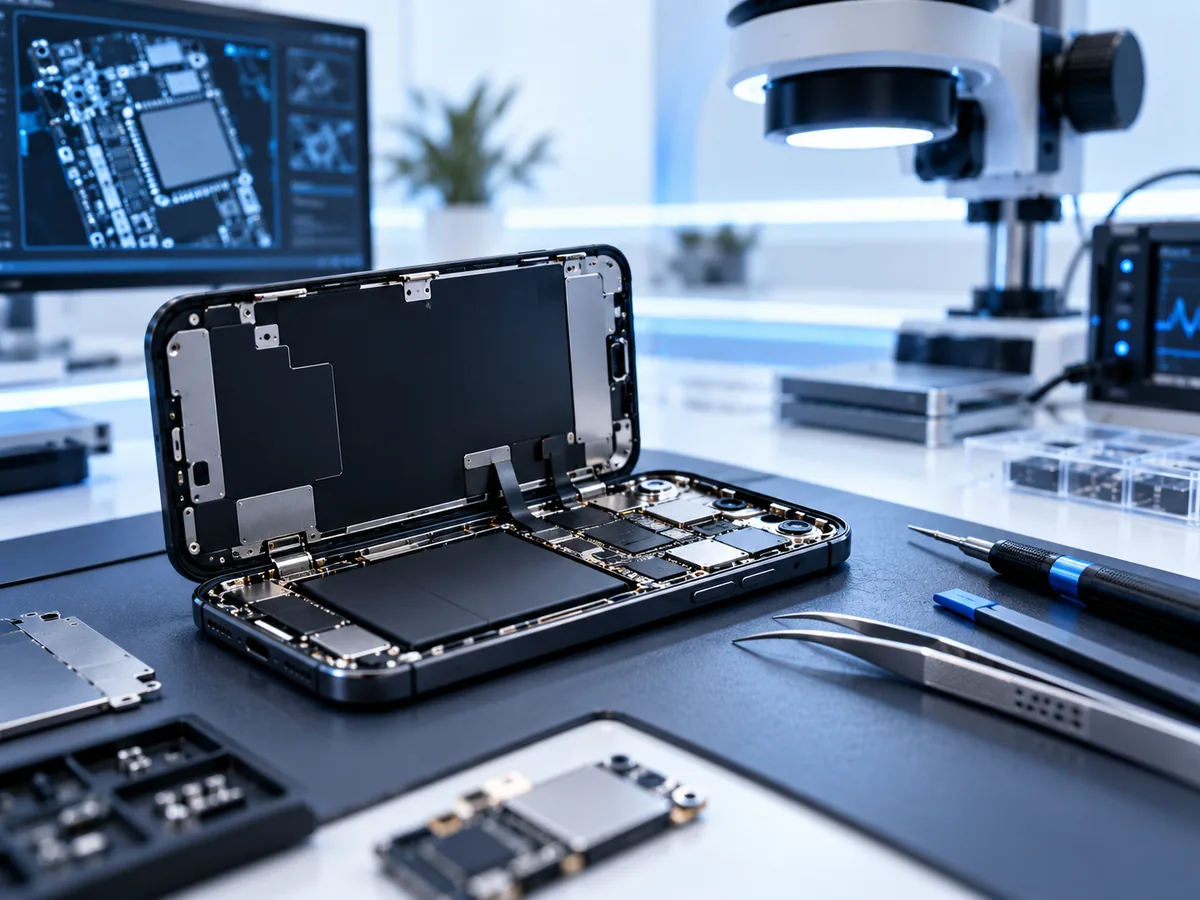
- Do not open the iPhone unless you are trained and equipped to work safely on the exact model.
Why liquid damage can worsen later
A phone may appear to recover and fail days later because residue and corrosion remain inside. Salt water, sugary drinks and other contaminated liquids can be more damaging than clean fresh water. A temporary boot should be used to make a verified backup, not as proof that the device is reliable.
Check existing backups
Before commissioning board-level recovery, check iCloud Photos, iCloud Backup, Google Photos and any computer backups. Confirm that the required photos or data are actually present and accessible rather than assuming a backup completed.
Frequently asked questions
How long should I wait before charging?
Apple advises allowing the connector to dry and warns against charging while wet. When the phone contains irreplaceable data and has already failed, repeated charging attempts are not worth the risk.
Should I disconnect the battery myself?
Not unless you are trained to open that iPhone model. Modern devices are densely assembled, and a tool or battery puncture can create additional damage or injury.
Can a water-damaged iPhone still be recovered?
Sometimes. The result depends on corrosion, damage to the logic board and storage/security components, whether the correct passcode is available and whether the phone has been erased.
Apple references: liquid-detection alert guidance and splash, water and dust handling guidance.
Important photos are not backed up?
Do not keep charging, restoring or repeatedly powering a liquid-damaged iPhone. Describe the model, what happened and whether the passcode is known. Do not enter the passcode in the public enquiry form.
Need help with a real device?
If the storage is unstable, stop testing it. Describe the device and symptoms and we’ll explain the safest next step.
Start a recoveryRelated recovery guides
For service information and case assessment, see iPhone data recovery.