
Reviewed: 14 July 2026 by Michael Ganicz
Photos can sometimes be recovered from a water-damaged iPhone, but the recovery path is different from copying files from an ordinary removable drive. Modern iPhone data is encrypted and tied to the original hardware and passcode.
Check the cloud first
- Sign in to iCloud Photos from another trusted device or browser.
- Check the date of the most recent iCloud Backup.
- Check Google Photos, OneDrive, Dropbox or another photo app used on the phone.
- Check encrypted Finder or iTunes backups on a Mac or PC.
Do not erase the damaged iPhone while checking backups. An incomplete cloud library may not contain the full-resolution originals or the newest items.
Why the original logic board matters
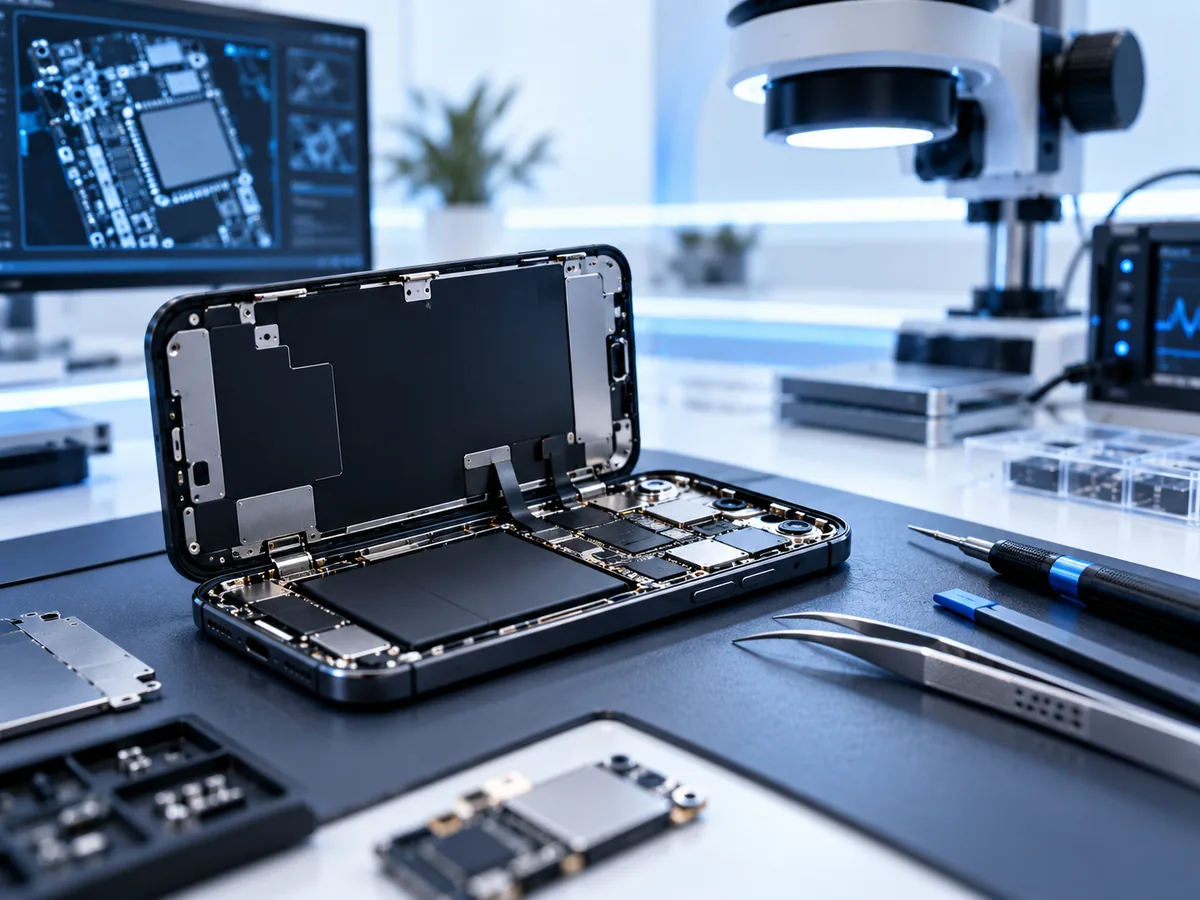
The usual objective is to repair the original board enough for the phone to boot, accept the correct passcode and decrypt the data. Simply removing the storage chip is not a general bypass because the encryption keys depend on original security hardware and device state.
Factors that affect the result
- Type of liquid and time before power was removed.
- Corrosion around the processor, storage and power circuits.
- Previous charging, heating or repair attempts.
- Whether original components were lost or replaced.
- Whether the correct passcode is known.
- Whether the phone was factory-reset or remotely erased.
What a data-focused repair means
Board work may be performed only to obtain stable temporary operation and extract the agreed data. The phone may not be suitable for continued everyday use afterwards. Recovered files should be copied to separate storage and verified before the device is retired.
Frequently asked questions
Can photos be recovered without the passcode?
In most modern iPhone cases, the correct passcode is essential to decrypt user data. Recovery is not a passcode-bypass service.
Can you recover an iPhone after a factory reset?
A completed erase destroys the encryption keys used to access the previous user data, making direct recovery generally impractical.
Should I keep trying to charge it?
No. Disconnect cables, avoid heat and repeated power attempts, and follow Apple’s liquid-handling guidance.
Apple references: liquid-detection alert guidance and water-exposure handling guidance.
Important photos are not backed up?
Do not keep charging, restoring or repeatedly powering a liquid-damaged iPhone. Describe the model, what happened and whether the passcode is known. Do not enter the passcode in the public enquiry form.
Need help with a real device?
If the storage is unstable, stop testing it. Describe the device and symptoms and we’ll explain the safest next step.
Start a recoveryRelated recovery guides
For service information and case assessment, see iPhone data recovery.